

Trusted by IPTV Users Across Australia


Android / Smart TV Support
Stream IPTV Australia Easily on Android Devices
Enjoy smooth, fast, and reliable IPTV Australia streaming on any Android TV or Android Box. Install your preferred IPTV app, enter your login details, and start watching live TV, sports, movies, and series in seconds.
Still have a question? Browse our installation guide
Fire TV Stick / Amazon Devices
Enjoy IPTV Australia on Your Fire TV Stick
Set up IPTV Australia on your Fire TV Stick in just a few minutes. Install the IPTV Smarters or Downloader app, enter your login details, and enjoy smooth, fast HD & 4K streaming for all your favorite live channels, sports, movies, and series.
Still have a question? Browse our installation guide
Apple / iOS / macOS Support
Stream IPTV Australia Easily on Your Apple Devices
Install Smarters Player Lite or GSE IPTV from the App Store, enter your IPTV Australia login details, and start watching live TV, movies, and sports instantly. Smooth performance, fast loading, and full compatibility with iPhone, iPad, and Mac.
Still have a question? Browse our installation guide
Roku Streaming Devices
Watch IPTV Australia on Roku Using Screen Mirroring
Roku doesn’t support IPTV apps directly, but you can still enjoy IPTV Australia by casting from your Android or iOS device. Simply open your IPTV app, enable screen mirroring, and stream live TV, movies, and sports straight to your Roku device.
Still have a question? Browse our installation guide
Samsung Smart TV (Tizen OS)
Stream IPTV Australia on Your Samsung Smart TV
Samsung TVs don’t support IPTV Smarters, but you can easily use apps like Flix IPTV or Smart IPTV (SIPTV). Simply install the app from the Samsung Store, enter your IPTV Australia details or MAC address, and enjoy smooth HD & 4K streaming instantly.
Still have a question? Browse our installation guide
Kodi Media Player
Use IPTV Australia with Kodi for a Custom Streaming Experience
Kodi supports IPTV Australia through the PVR IPTV Simple Client add-on. Just enable the PVR client, add your IPTV Australia M3U link in the settings, and enjoy a fully customizable interface with live TV, movies, and series on any Kodi-enabled device.
Still have a question? Browse our installation guide
Windows PC / Laptop
Watch IPTV Australia Easily on Your Windows Computer
You can stream IPTV Australia on Windows using apps like VLC, IPTV Smarters, or Kodi. Simply install your preferred player, enter your IPTV Australia playlist or login details, and enjoy smooth HD & 4K streaming from your desktop or laptop.
Still have a question? Browse our installation guide
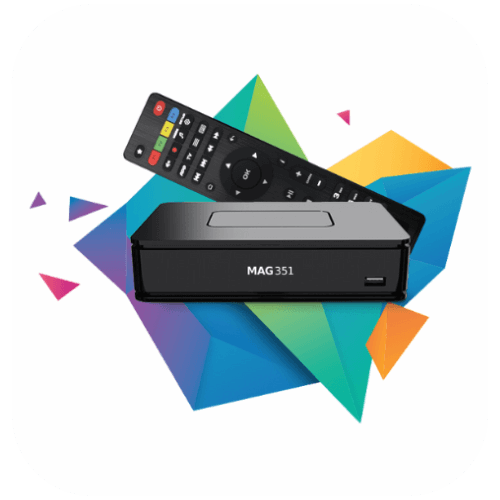
MAG Box Devices
Use IPTV Australia on Your MAG Box with Simple Portal Setup
MAG boxes support IPTV Australia through the Portal URL method. Just open your MAG settings, enter the IPTV Australia portal link under the Servers → Portals section, restart your device, and your full channel list will load automatically.
Still have a question? Browse our installation guide